Salta MCP · Beta
Connect Salta to Claude, ChatGPT or Cursor. Dump what's in your head — tasks, a messy week, a goal you keep dodging. Your AI builds the plan in your real Salta. You watch it land, on your phone and the web, synced. You confirm.
What this is
Salta plans your whole day — the chores you forget and the goals you keep putting off, on one screen.
MCP (Model Context Protocol) is the open standard that lets an AI assistant do things in other apps, not just chat. Connect once and your AI works inside your real account: reading your plan, creating tasks, breaking down goals.
And it's free for you — your own AI does the thinking, so there's no extra AI cost beyond the Claude or ChatGPT you already pay for. Salta is a mobile-first, voice-first life planner with native MCP — built for exactly this.
Once connected
Your AI reads today's tasks, your goals, and what's still open.
Create, complete, reschedule — it lands in your real Salta, synced everywhere.
One sentence becomes a goal split into sections and dated tasks.
It remembers your priorities and constraints between sessions — no re-briefing.
Connect in ~30 seconds
Paste the Salta URL into your assistant. A consent screen opens in your browser — sign in with Apple, Google or an email code and approve. New here? That same screen creates your free Salta on the spot. The connect is the signup.
https://mcp.getsalta.app 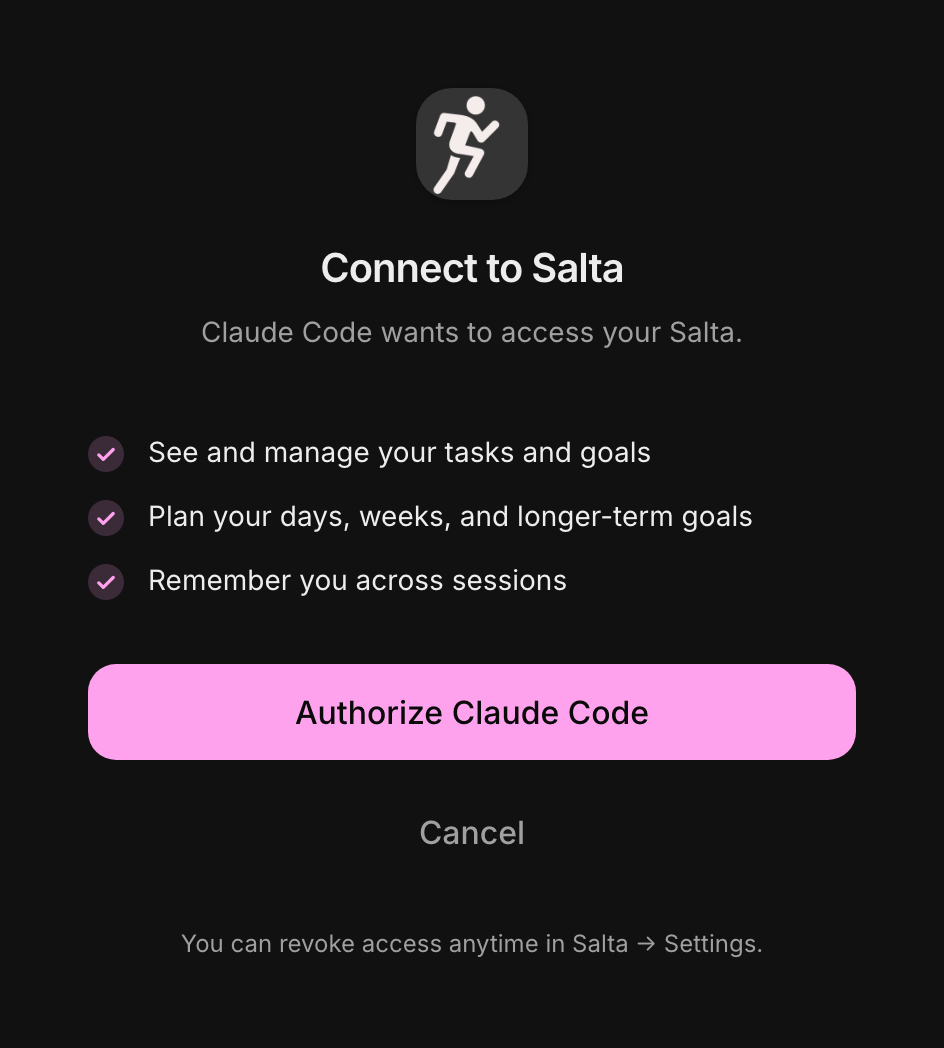
Two commands. Installs the server plus a skill that plans like Salta.
/plugin marketplace add jnuo/salta-mcp /plugin install salta@salta-mcp Manual: claude mcp add --transport http salta https://mcp.getsalta.app
Includes the Salta skill — your AI plans the way Salta does.
Settings → Plugins → Add → Add marketplace → Add from a repository, then install Salta. Gets the skill too.
https://github.com/jnuo/salta-mcp Manual: https://mcp.getsalta.app
Includes the Salta skill.
Settings → Connectors → Advanced → Developer mode → Add custom connector → paste the URL. Salta self-registers.
https://mcp.getsalta.app Plus, Pro, Business or Enterprise · Tools + Salta's built-in prompts.
Settings → Tools & MCP → New MCP Server → paste the URL. Cursor opens the consent screen to approve.
https://mcp.getsalta.app Tools + Salta's built-in prompts.
Two commands. Adds the server, then opens the browser to sign in and approve.
codex mcp add salta --url https://mcp.getsalta.app codex mcp login salta Tools + Salta's built-in prompts.
Now say this
Plan my week — break my “get fit” goal into tasks across the next 7 days. What's on my Salta agenda today? Review what I didn't finish yesterday and move it to today. Remember that I work best in the mornings and I'm training for a marathon in October. Questions
MCP is an open standard that lets an AI assistant do things inside other apps, not just chat. Connect Salta once and your AI — Claude, ChatGPT or Cursor — works in your real account: reading your plan, creating tasks, and breaking down goals.
Salta is a mobile-first, voice-first life planner with native MCP — free to run, because your own AI does the thinking. Once connected, your AI builds your day in your real Salta — tasks, goals, and your whole week — synced to your phone and the web. You approve what lands.
Yes. Paste the Salta URL into Claude, Claude Desktop, ChatGPT (developer mode) or Cursor, approve once, and your assistant can run Salta. Claude Code installs it with two commands.
Trying it is free. Using Salta through MCP is free, and so is creating and managing tasks by hand — there's no extra AI cost on top of the Claude or ChatGPT you already pay for, because your own AI does the thinking. Connecting creates your free Salta account on the spot. Salta's own in-app AI is what's metered: you get free credits, and once those run out it needs a paid subscription.
Everything your AI built is waiting on your phone and on app.getsalta.app — the full view, reminders you set in the app, synced across phone and web. Free to start.